This article will walk through the steps on how to set up a SmartTag to allow you to use the tags to identify your medical devices.
You will need a mobile device with 3T on it and a blank 3T SmartTag.
Step 1: Log in to 3T by entering your Staff ID & 4 digit PIN.
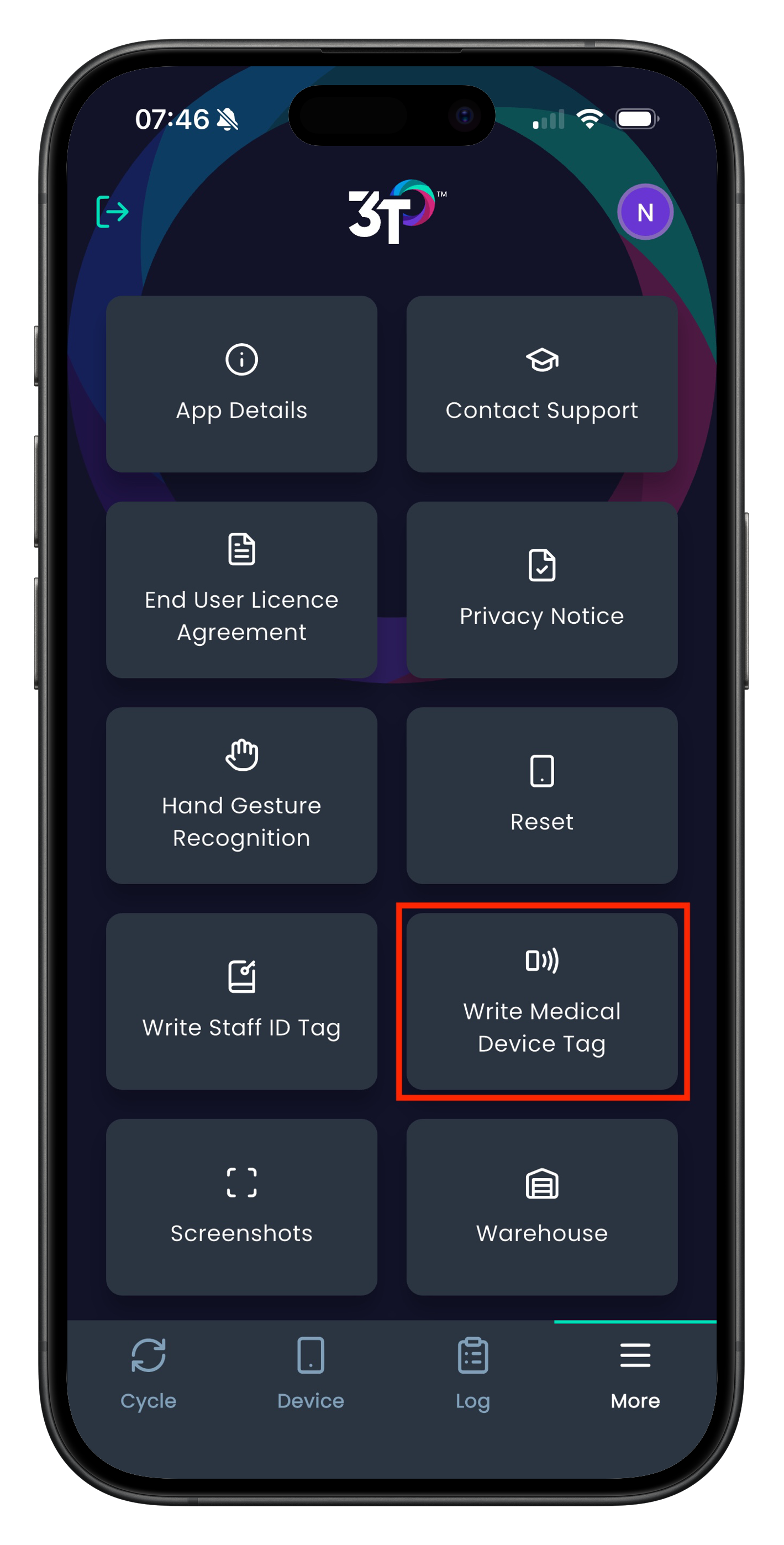
Step 2: Tap the 'More' section on the bottom right of the app, and select 'Write Medical Device Tag'.
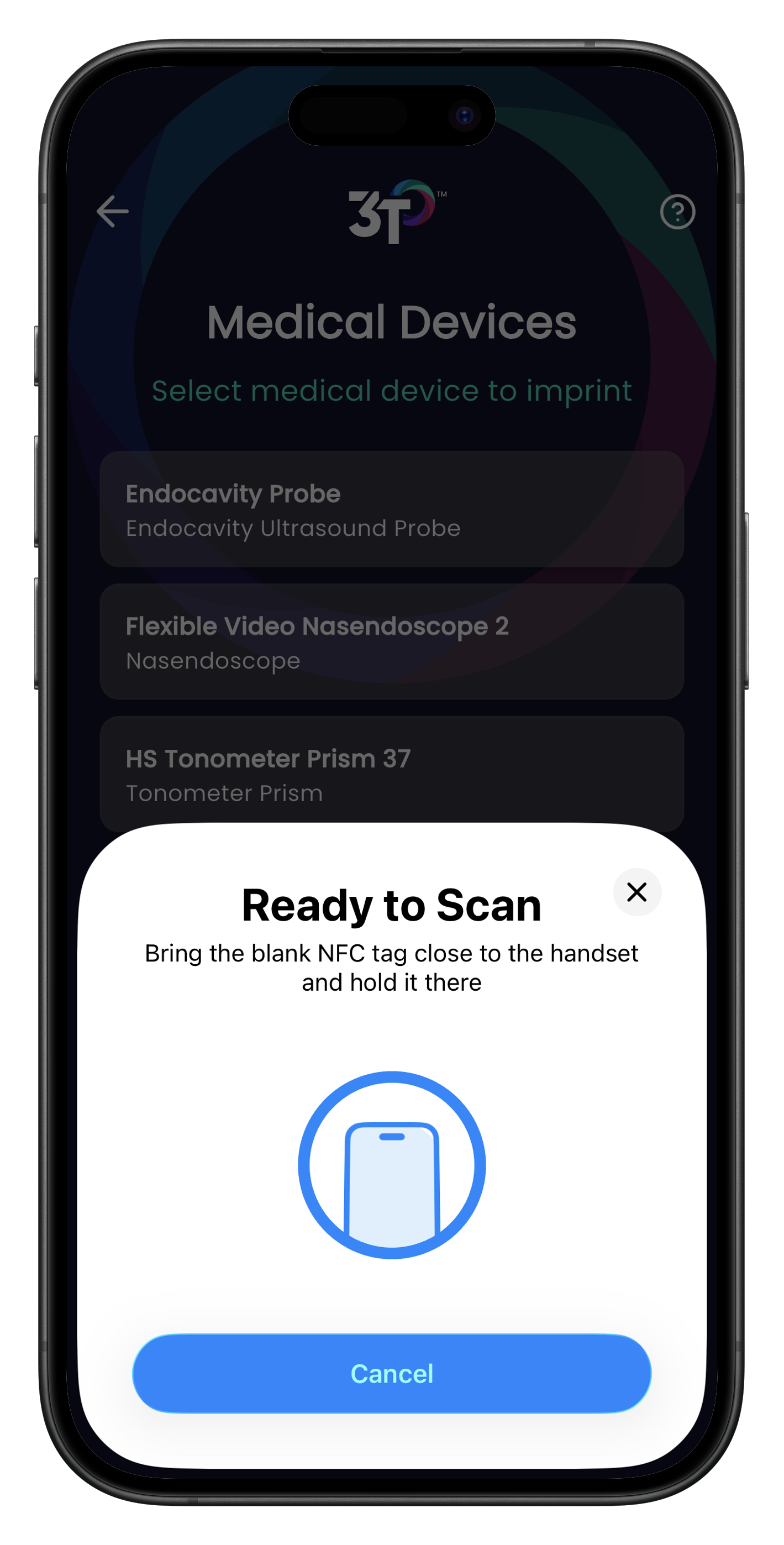
Step 3: Select which medical device you'd like to imprint on the tag.
Step 4: Place the SmartTag against the back of the mobile device and hold it there. The mobile device may vibrate or ping to notify you that it registers the NFC tag is near - do not remove the tag yet.
Step 5: Once the app shows a green check mark, the tag has been successfully imprinted with the medical device.
You may now start a decontamination cycle in to 3T using the tag by tapping the NFC icon on the screen, and then tapping the tag.
Was this article helpful?
That’s Great!
Thank you for your feedback
Sorry! We couldn't be helpful
Thank you for your feedback
Feedback sent
We appreciate your effort and will try to fix the article